
Information check
Identify patient, student, employee, client, credential, and business-confidential details before they reach a tool.
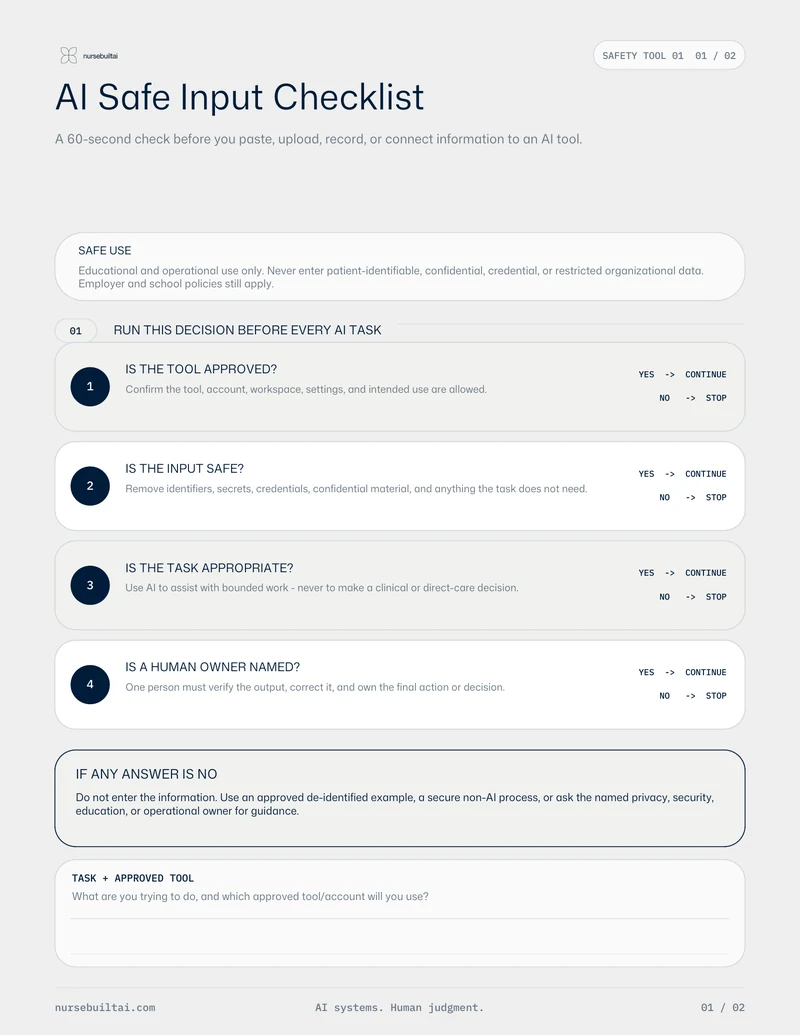
A practical pre-use check for removing sensitive details, confirming the approved tool and account, and keeping human judgment in the workflow.
Preview · About 10 minutes
Resource download
Use the downloadable preview now, then return to the written instructions and responsible-use notes below.
At a glance
The downloadable resource and its complete written workflow are available on this page.
Identify patient, student, employee, client, credential, and business-confidential details before they reach a tool.
Confirm that the tool, account, and intended use are approved for the work.
Name what must be verified and who remains responsible for the final decision.
Instructions
Use these written steps alongside the downloaded resource.
Write the specific task and the minimum information needed to complete it.
Review the planned input line by line before entering it into an AI tool.
Check the tool, account, sharing settings, retention policy, and organizational approval for this use.
Decide how the output will be checked before anyone relies on it.
Responsible use
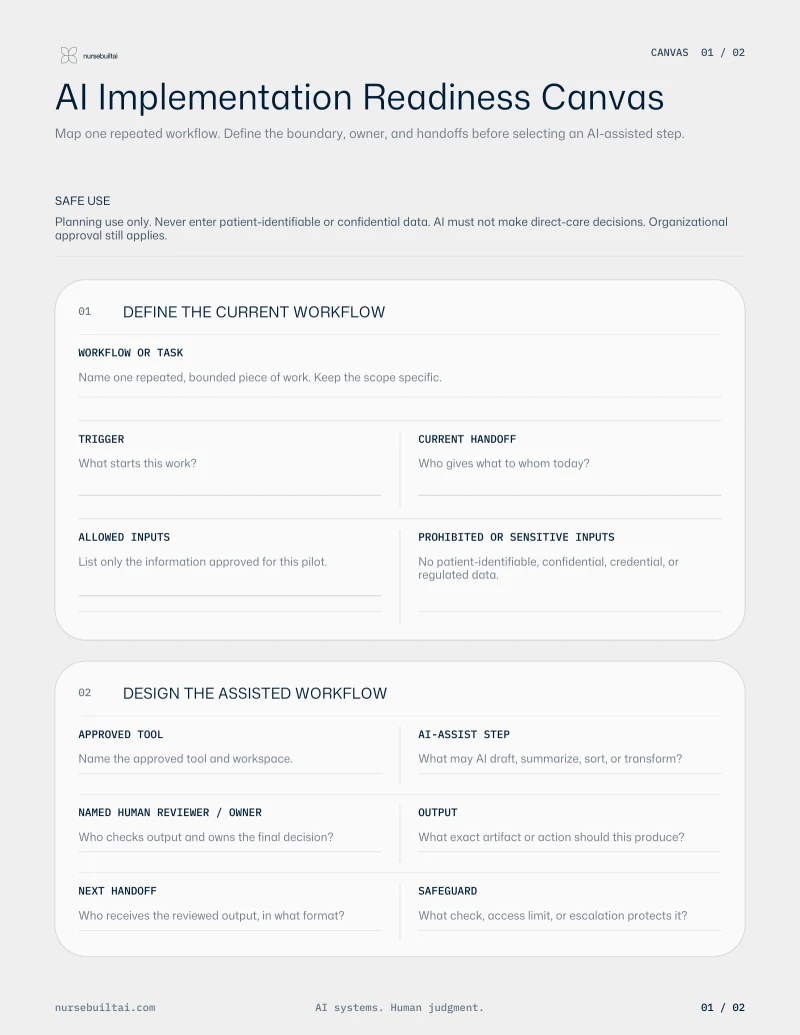
Map the workflow, safeguards, owner, and stop conditions before choosing an AI tool.
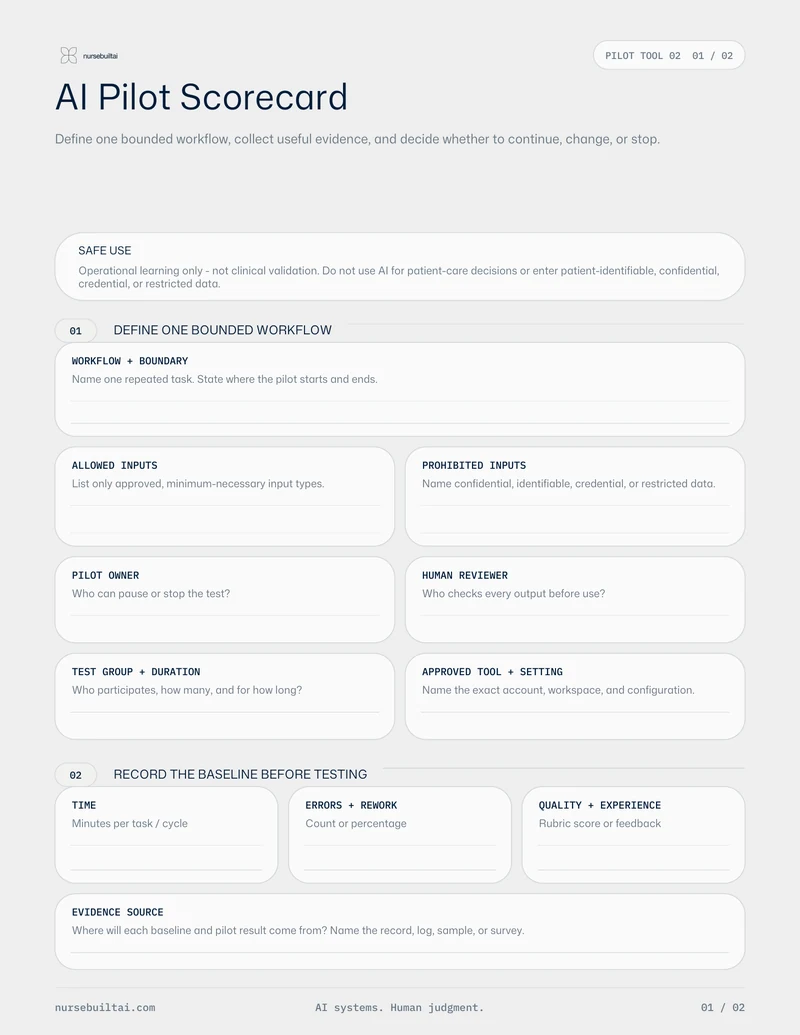
Review an AI pilot against evidence, quality, safety, adoption, and operational fit before deciding what happens next.